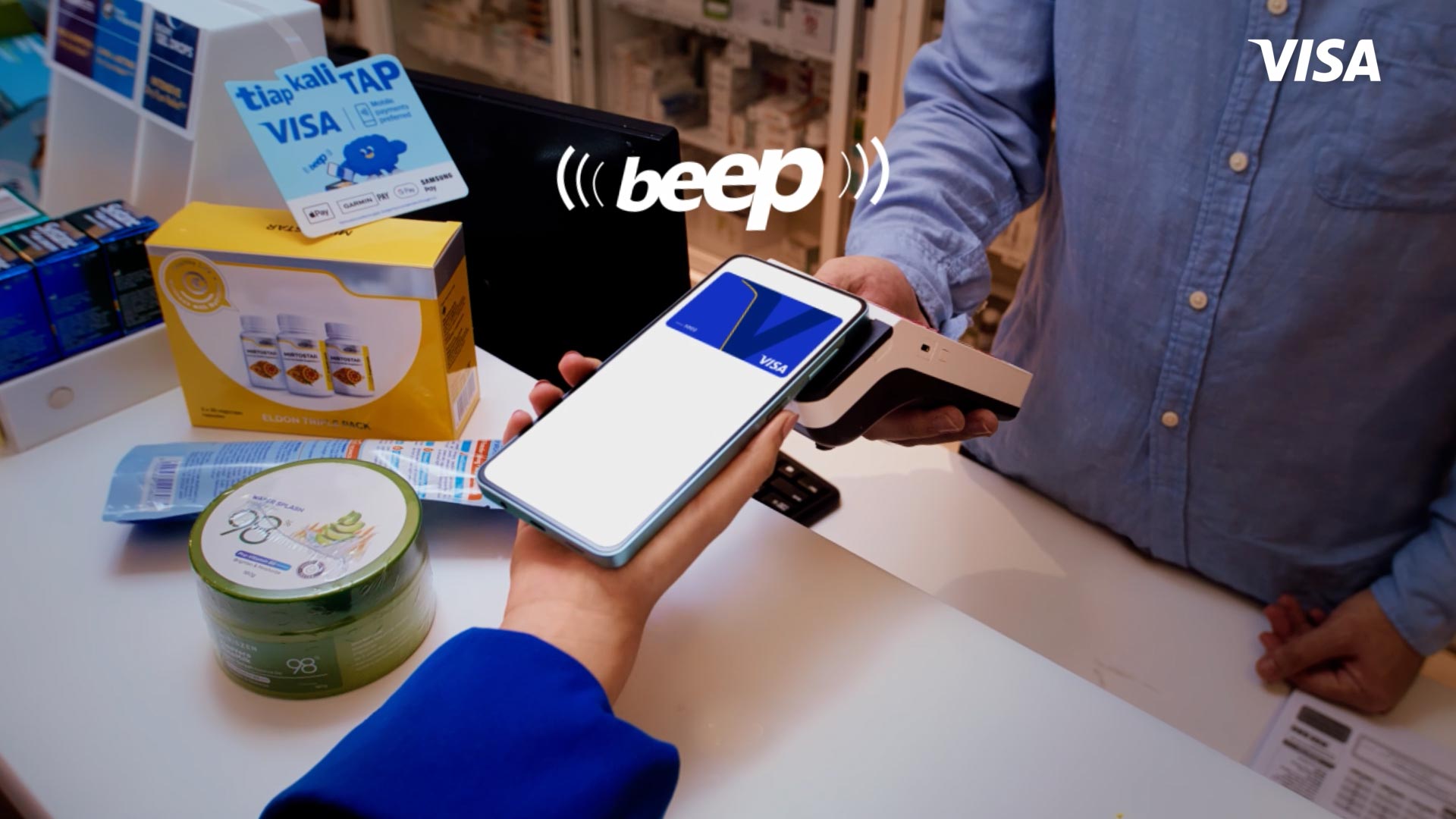
Tap and pay confidently with Visa
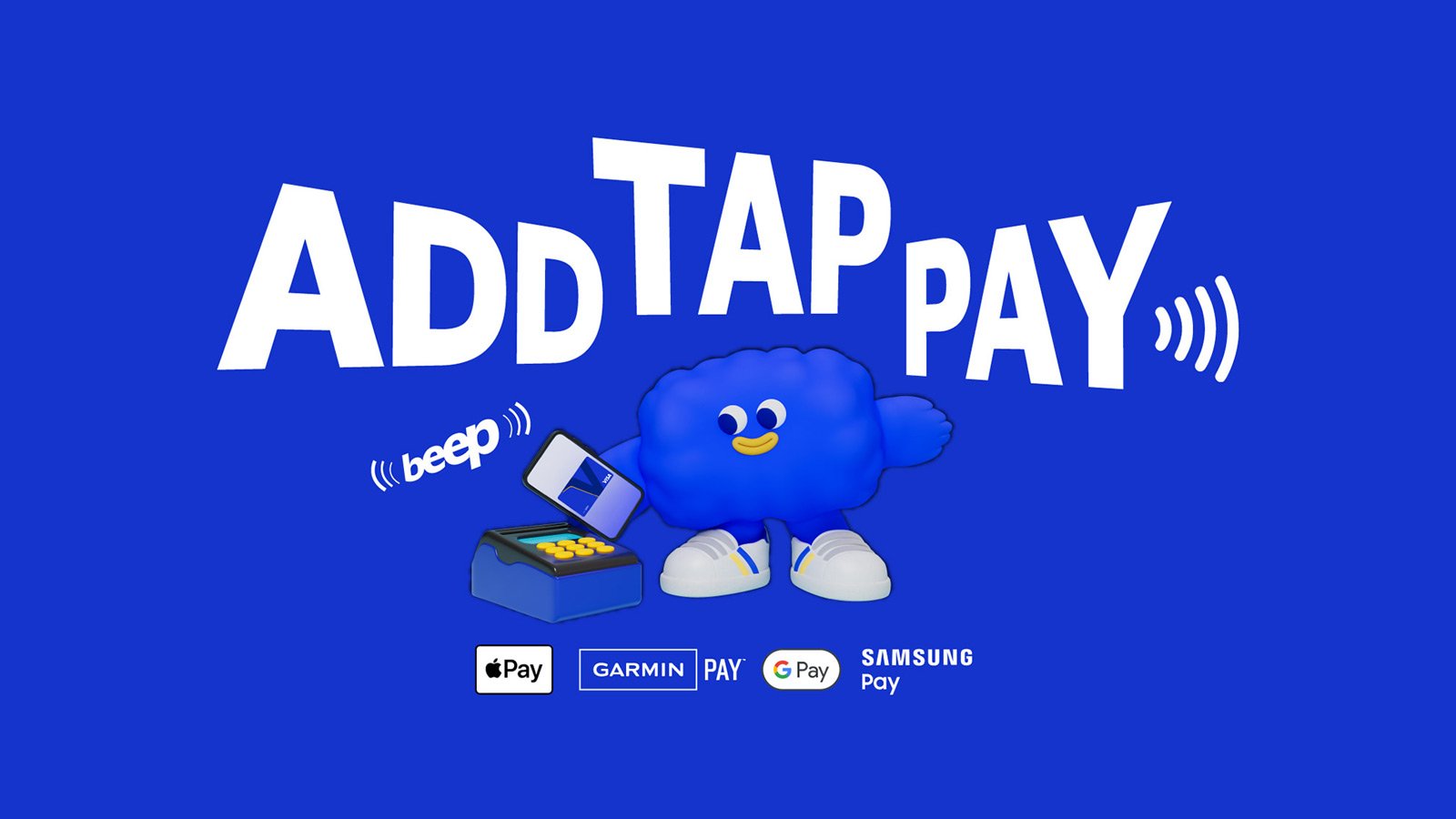
Add your Visa card to your mobile wallet and tap to pay. The same convenience, security and acceptance everywhere you go.

Fast and Easy

Secure Payments

Widely Accepted
Congratulations, winners of an exclusive FIFA World CupTM signed jersey by Lamine Yamal!
List of winners:
Walid Jahan
Loo Wen Hau
Lee Zhi Ming
Alexandar Arokiyanathar
Lee Yit Shen
Mobile Payments with Visa: Tapping Into the Facts
Myth 1:
"Mobile payments are the same as QR payments"
You’re already tapping your card to pay. Mobile payments with Visa use the same tap behaviour on your phone. No apps to open, no QR codes to scan, just a quicker checkout.
Offers for you
FAQs
-
-
Mobile payments with Visa lets you pay by tapping your phone or smartwatch instead of using a physical card.
-
-
Yes. Mobile Pay uses your linked card, so your usual rewards still apply.
-
-
Anywhere you see the contactless (tap-to-pay) symbol.
-
-
You can pay with Visa on your mobile even when your signal is weak or unavailable.
-
-
Yes. Your card details are protected, and payments are secured by your phone (Face ID, fingerprint, or passcode).
Related links
Get ready for the FIFA World Cup 2026TM
104 matches over 39 days in 16 iconic host cities across the U.S., Canada and Mexico. Visa kicks off the countdown by uplifting artists.
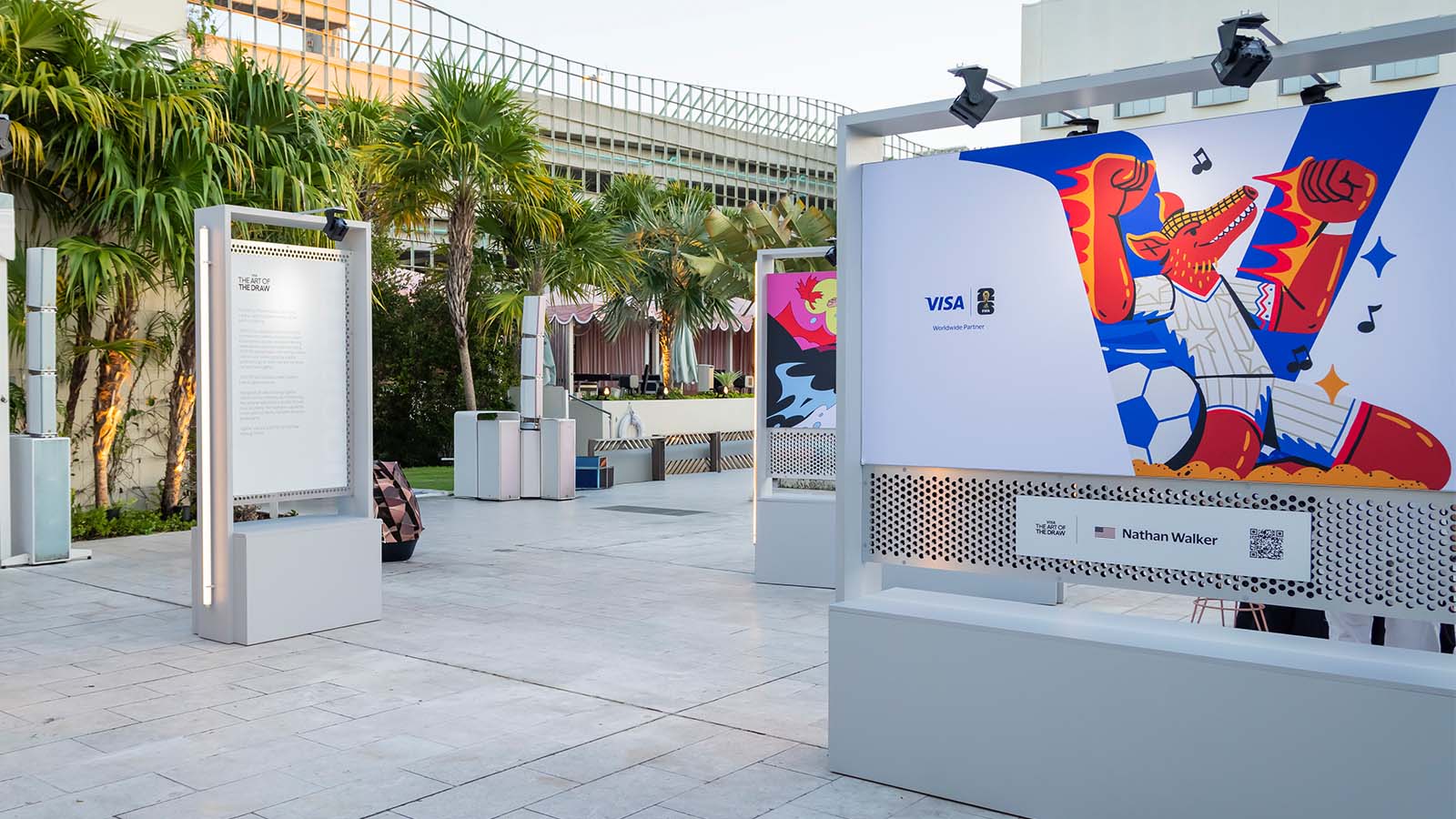
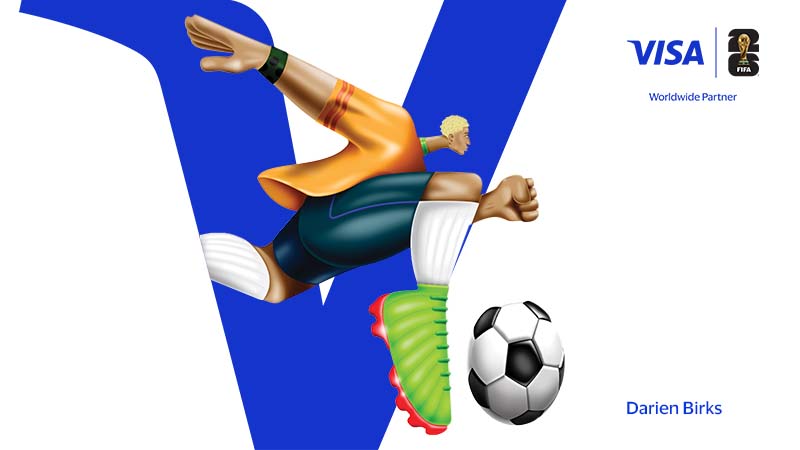
Introducing the Visa global art collection
Inspired by our FIFA partnership, the first-of-its-kind artist collaboration celebrates the unifying spirit of football and uplifts artists to center stage.